Enhance Your Store's Visual Appeal
Transform Your Shopify Experience with Swatchify
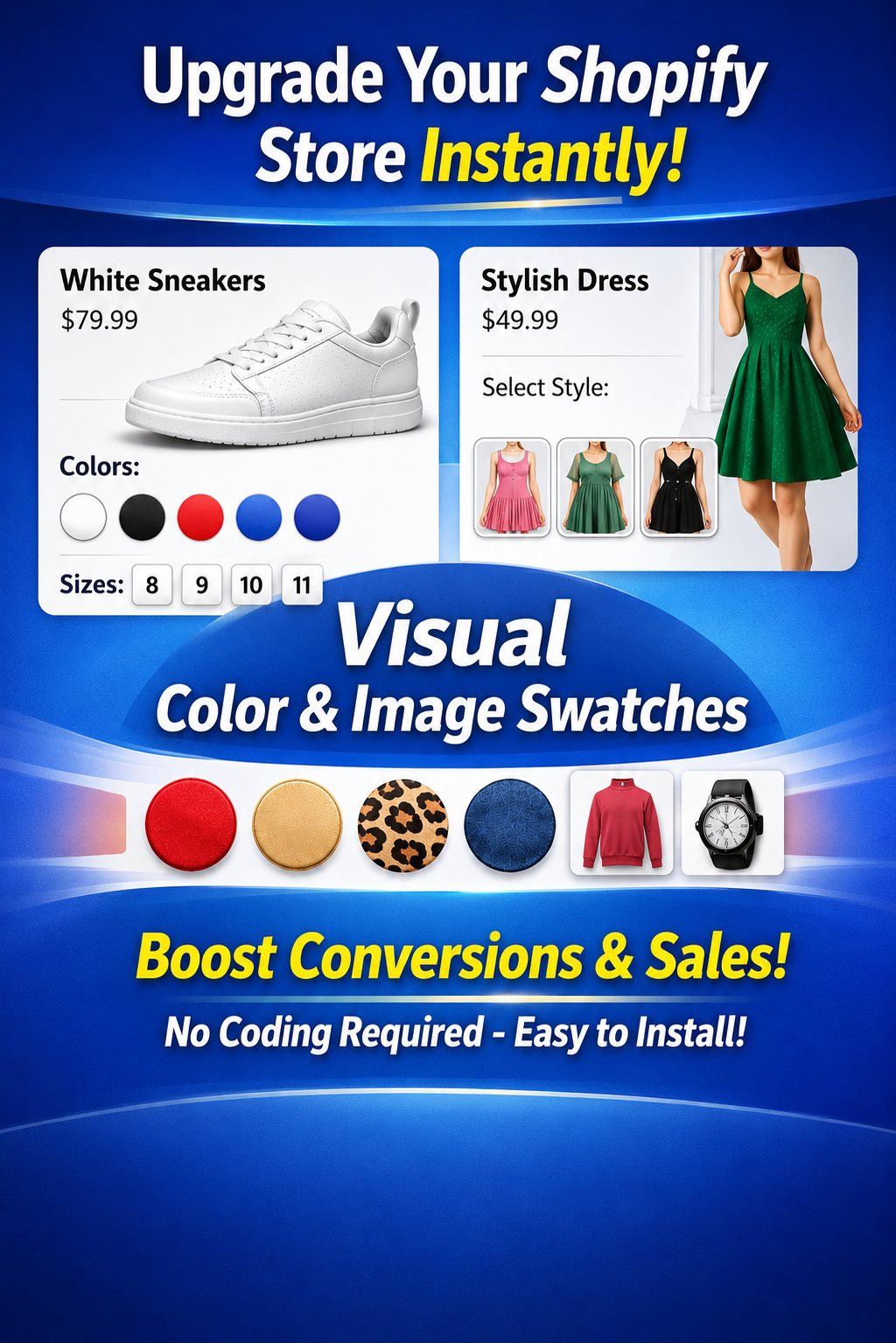
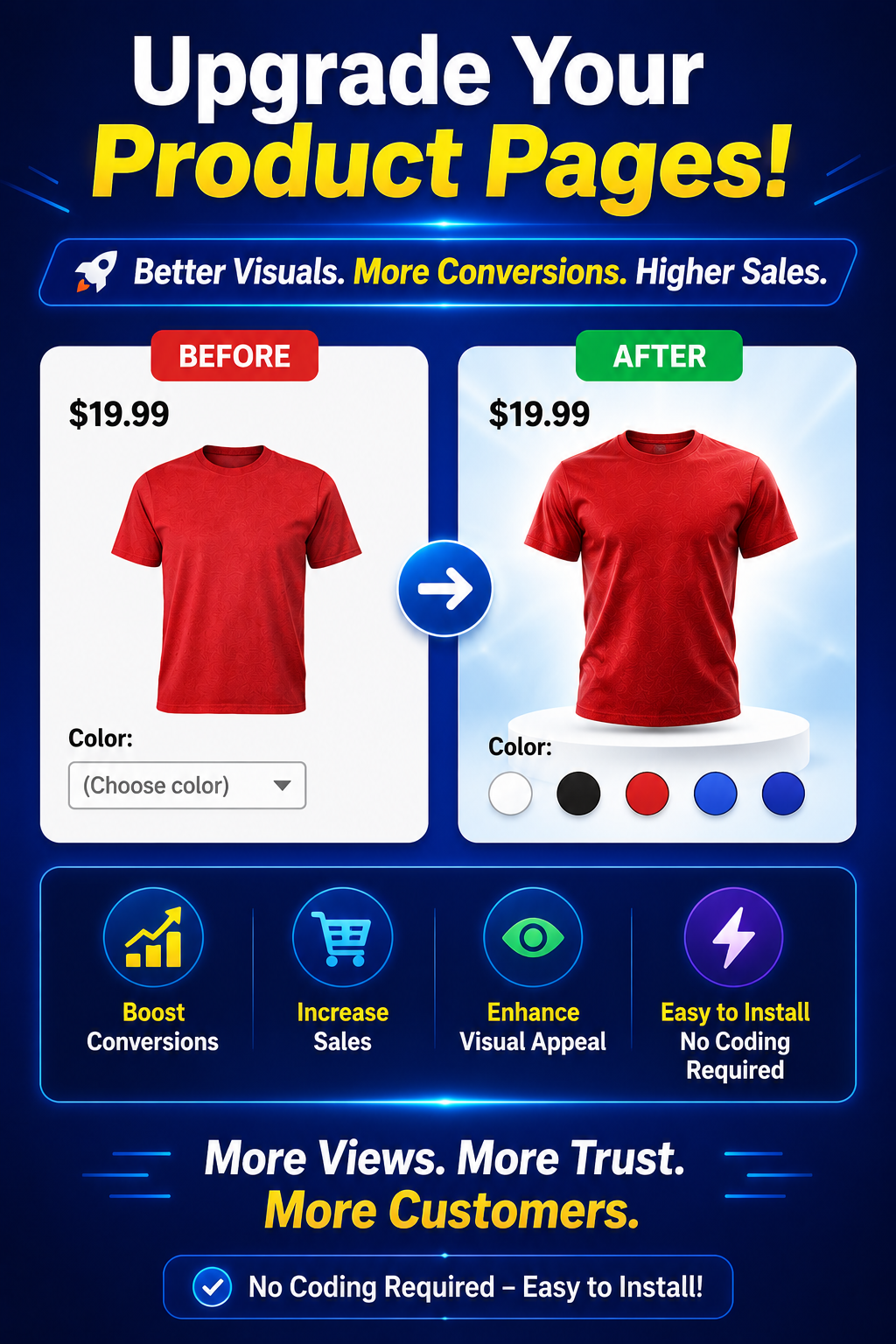
Discover how Swatchify can revolutionize your product pages by replacing outdated dropdowns with sleek, interactive swatches that captivate customers and boost conversions.
Common Questions About Swatchify
Get answers to your most pressing questions about setting up and using Swatchify to enhance your Shopify store.
How do I install Swatchify on my Shopify store?
Installing Swatchify is simple. Just visit the Shopify App Store, search for Swatchify, and click ‘Add App’ to integrate it with your store.
Can I customize the appearance of the swatches?
Yes, Swatchify offers extensive customization options, allowing you to adjust swatch size, shape, and style to match your store’s branding.
Is Swatchify compatible with all Shopify themes?
Swatchify is designed to work seamlessly with most Shopify themes, ensuring a smooth integration and enhanced shopping experience.
What support is available if I encounter issues?
Our dedicated support team is available 24/7 to assist you with any questions or technical issues you may encounter while using Swatchify.
How does Swatchify improve customer engagement?
By transforming variant selection into a visual experience, Swatchify makes it easier for customers to explore and choose products, increasing engagement and satisfaction.
Ready to Transform Your Store?
Setting Up Swatchify: A Step-by-Step Guide
1
Install the Swatchify App
Begin by adding Swatchify from the Shopify App Store to your store’s backend, ensuring a quick and easy setup process.
2
Customize Your Swatches
Use the intuitive Swatchify dashboard to tailor swatch styles, colors, and sizes to align with your brand’s aesthetic.
3
Implement Across Your Store
Apply your customized swatches to product and collection pages, transforming the shopping experience with dynamic, visual selectors.
What Our Users Say
Explore Our Key Features
Color Swatches
Transform your product pages with vibrant color swatches that enhance the visual appeal and make variant selection intuitive for your customers.
Image Swatches
Showcase product variations with image swatches that provide a clear, visual representation of each option, improving the shopping experience.
Dynamic Variant Image Switching
Automatically update product images as customers select different variants, offering a seamless and interactive browsing experience.
“Swatchify revolutionized our product pages! Our customers love the new look and find it much easier to choose their preferred options.”

Alex Johnson
Owner, Trendy Threads
“Implementing Swatchify was a game-changer for us. Our store now looks more professional, and our conversion rates have improved significantly.”

Samantha Lee
CEO, Fashion Forward
“The dynamic image switching feature is fantastic. It keeps our customers engaged and enhances their shopping experience.”

Michael Chen
Manager, Urban Outfitters
Get in Touch
Email Us
impactdigitalmarketing100@gmail.com
Premium Live Chat
Have questions or need assistance? Reach out to us anytime for support or inquiries about Swatchify. We’re here to help you enhance your Shopify store.
Transform Your Product Pages Today
Enhance your Shopify store by installing Swatchify. Experience the power of visual swatches and elevate your product pages to a new level of professionalism and engagement. Start now and see the difference!